
The FieldOps web portal · On a computer
The office side of every job.
The technicians capture the job on their phones. The portal puts the same jobs on a computer in the office, so the owner or admin can follow the work, review it and invoice it on a bigger screen.
The screens: the dashboard, the jobs, the review, the invoices and the business insights, in a browser on a computer.
These are real screens from a demo business, not mock-ups.
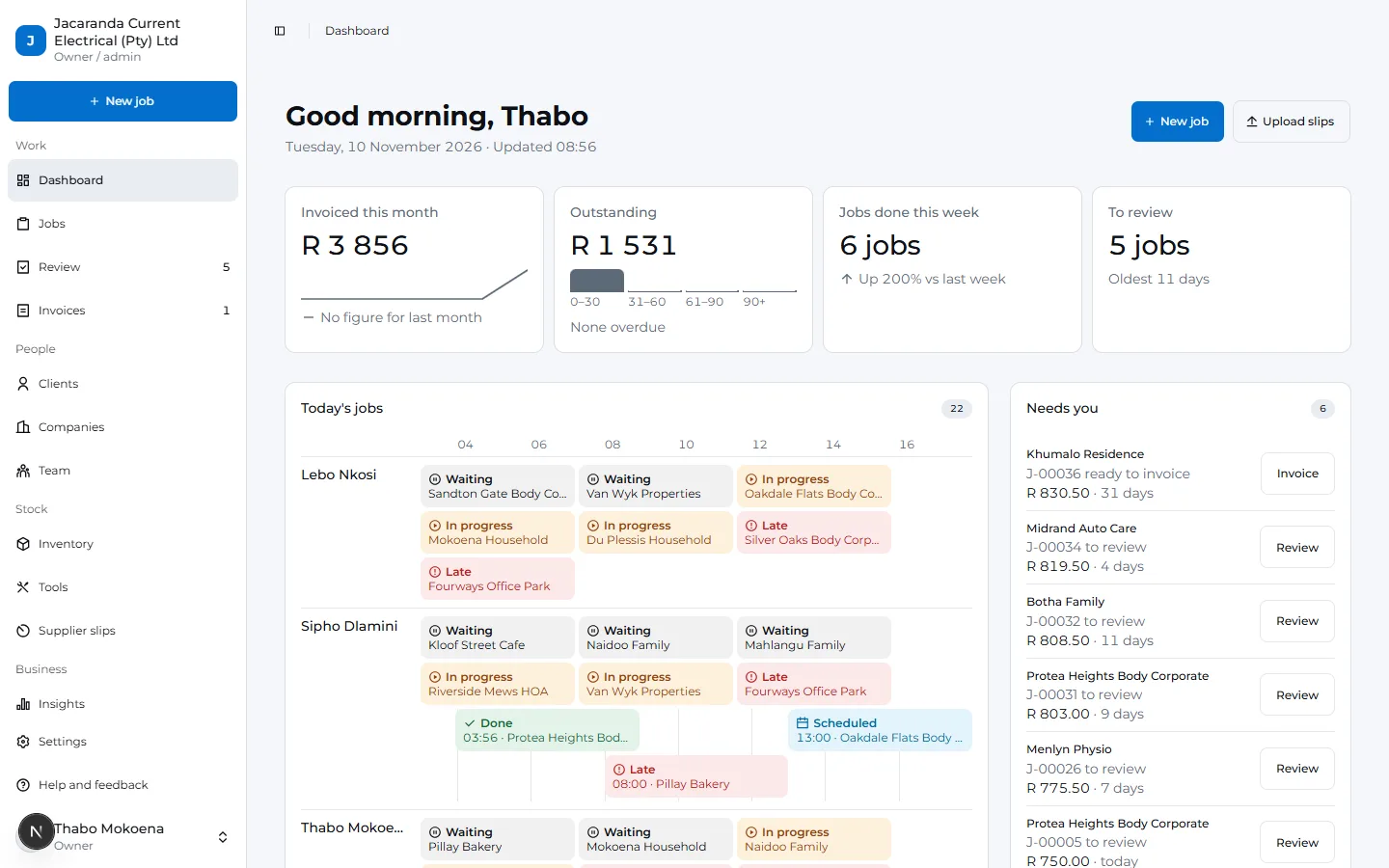
01Dashboard
The day's work at a glance: jobs by status, what needs review and what is ready to invoice.
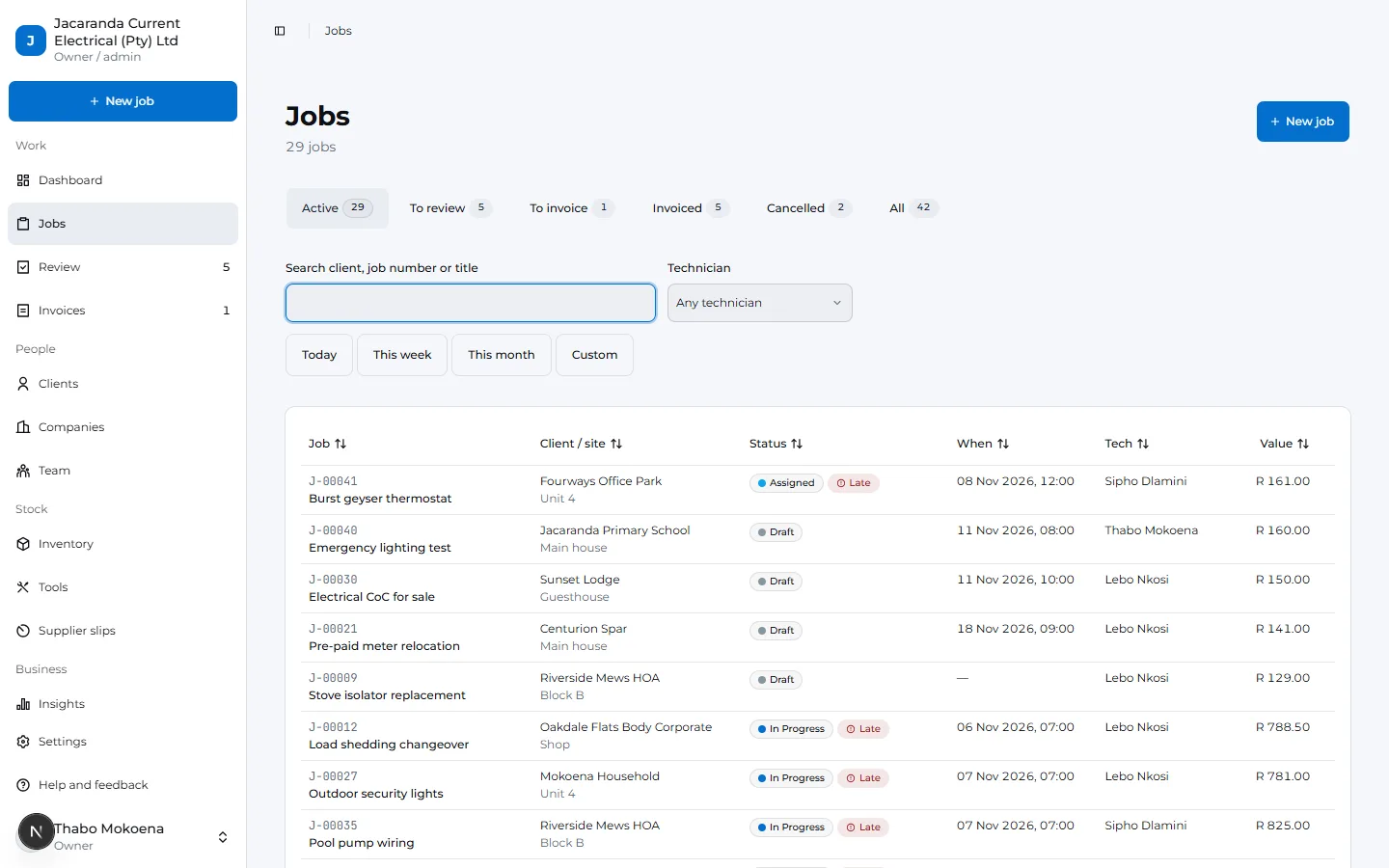
02Jobs
Every job and its status, updated as the technicians' phones sync.
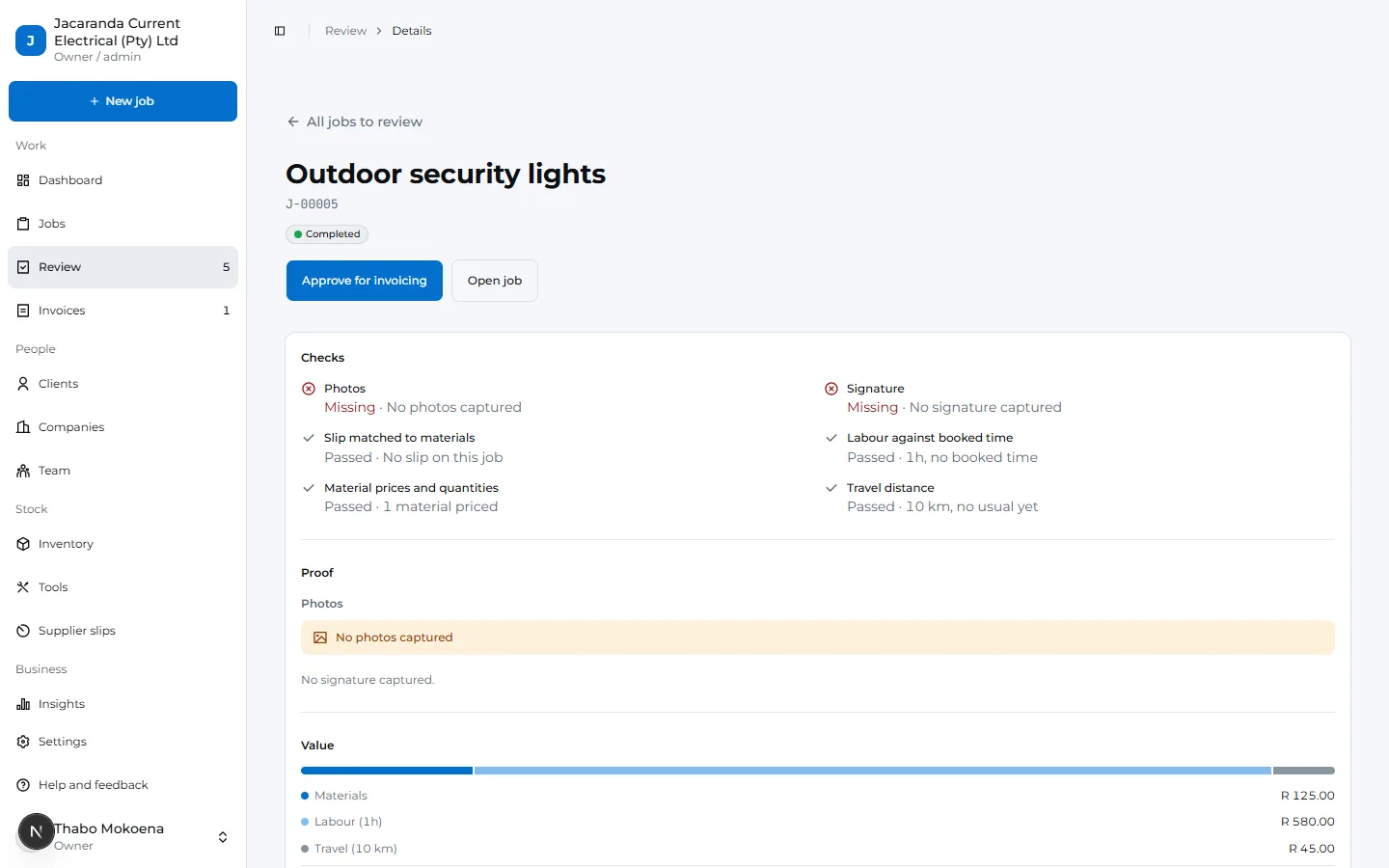
03Review
Each finished job is checked before it is approved: photos, signature, materials, labour and travel.
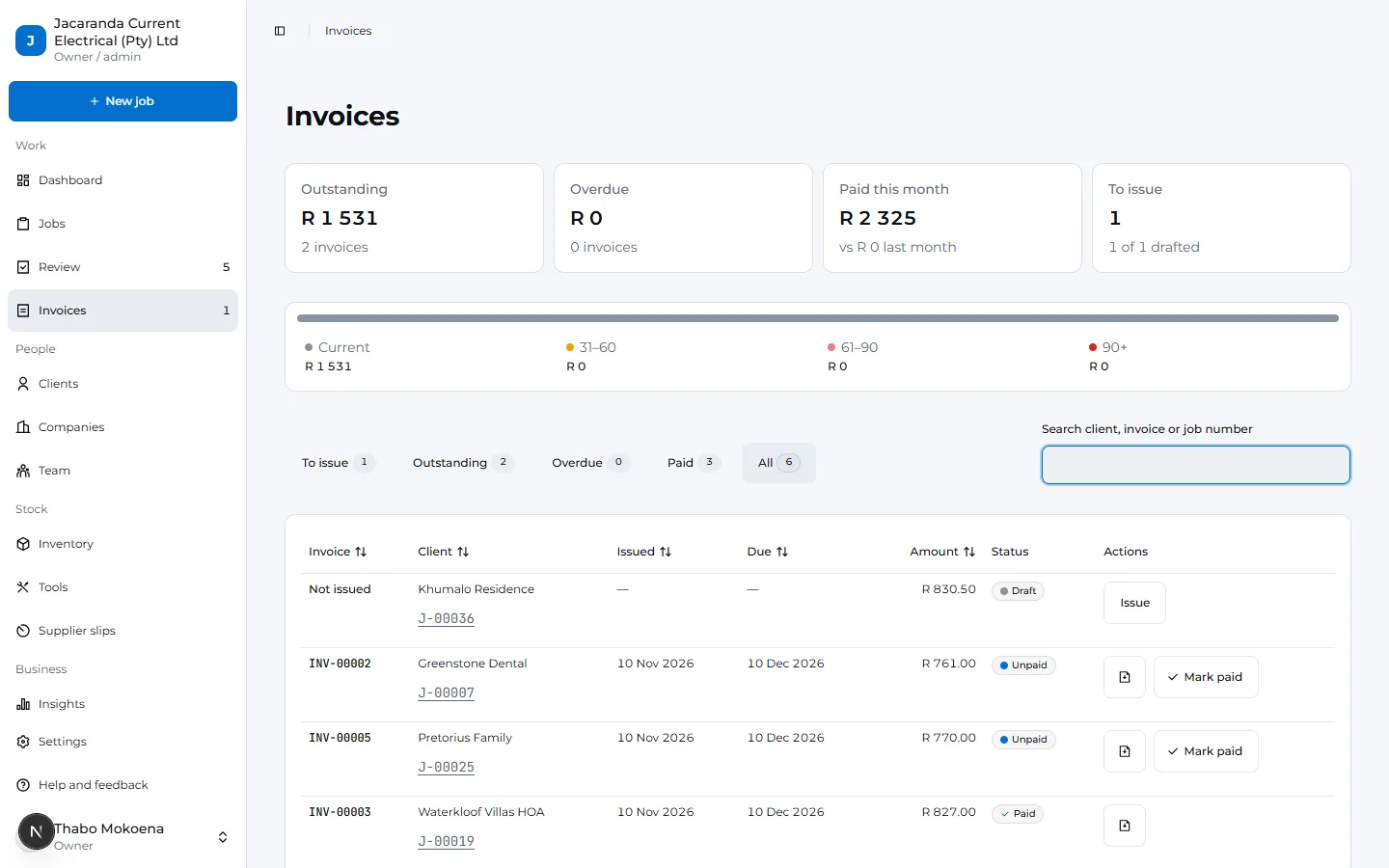
04Invoices
Create and issue invoices, and mark them paid when the money comes in.
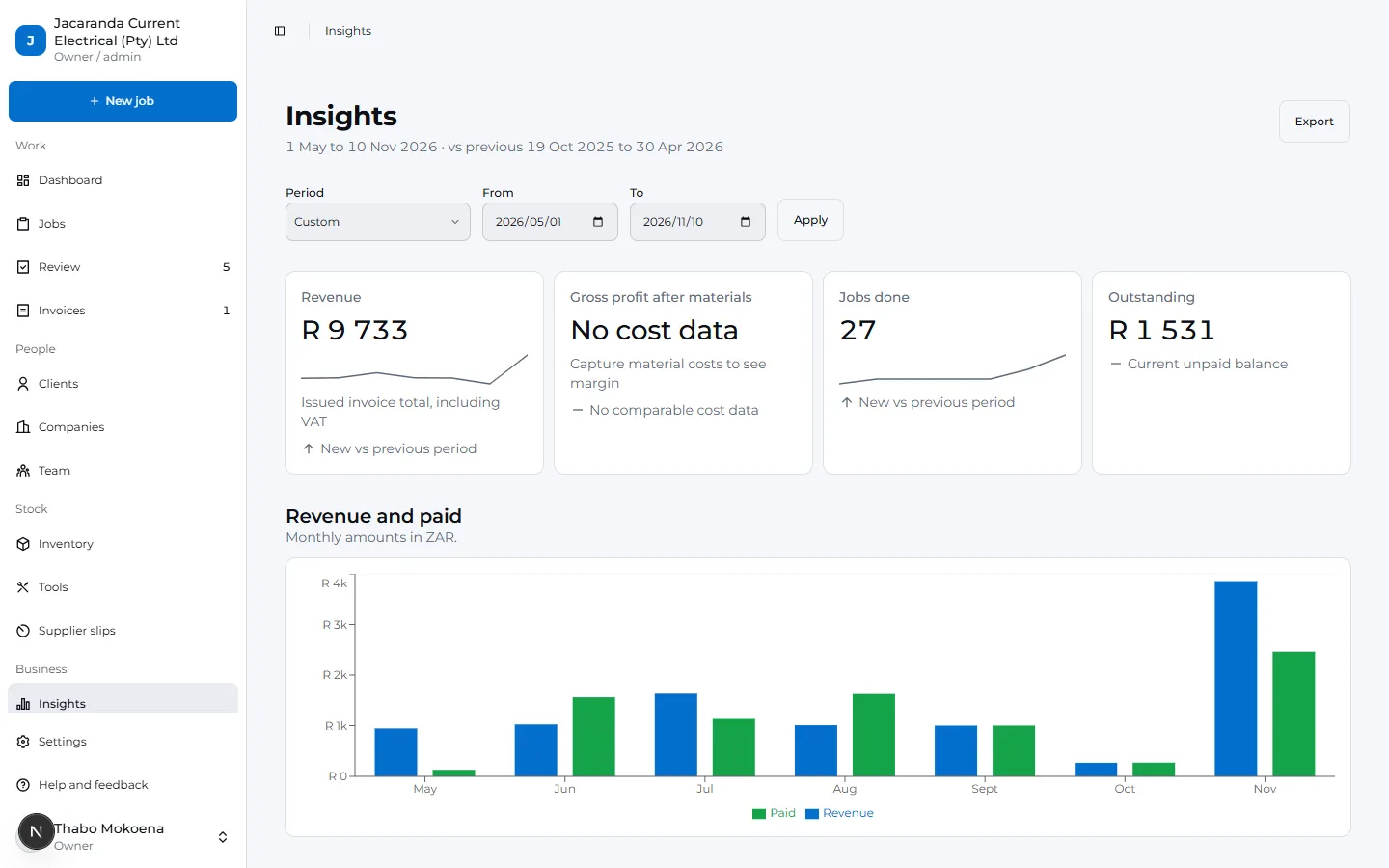
05Insights
Jobs done, invoiced, paid and outstanding, with top clients and job types.
What the portal is for
Follow, review and invoice from the office.
Follow the jobs from the office
The owner or office admin sees each job on a computer as the technicians' phones sync — what was done, what was used and what is still open.
Review and invoice on a bigger screen
Check the photos and time entries, approve the job, then create and issue the invoice and mark it paid.
See how the business is doing
Insights shows jobs done, invoiced, paid and outstanding, for this month or a range you pick, and each table downloads as a spreadsheet.
Your data, yours to take
Download all of the business's data, rows and files, as one zip from the portal.
See your own jobs in the portal.
Review jobs, invoice, manage the team and change settings from the web portal. Already using FieldOps? Sign in with the account you use on the app.
The web portal comes with the Team and Pro plans; the Solo plan is the FieldOps mobile app only. Compare the plans
Not yet
So that nothing on this page outruns the app in your technician’s pocket:
- Sending WhatsApp messages or customer links for you — today you copy a ready-made message and send it yourself
- Quotes
- Posting supplier-slip lines to stock with no owner check
- An iPhone version