
Field service software · South Africa
Capture once.
Admin never again.
FieldOps helps trade businesses capture the job while the work is happening — time, travel, materials, photos, slips, voice notes and signatures — so the office doesn’t have to capture it all again.
Built in South Africa for practical trade businesses.
The work is already done.
Why capture it again?
A technician finishes the job, writes something on a job card, sends a few photos on WhatsApp and brings the supplier slip back to the office.
Then somebody has to put it all together again.
FieldOps moves that capture to the point where the work happens.
01Create
Job and site
02Execute
Technician starts work
03Capture
Time · materials · evidence
04Complete
Close-out checklist
05Review
Owner checks the job
06Invoice
Create the draft

Capture at the job
The job record starts while the work is happening.
Capture materials, time, photos, notes and job evidence while the technician is still standing in front of the work.
No separate paperwork session at the end of the day.
- Photos and attachments
- Materials used
- Time and travel
- Voice notes
- Customer sign-off
One workflow · Many trades
Different work. The same simple workflow.
A plumber, an air-conditioning technician and a maintenance team capture different things. They capture them the same way: against the job, on site, while the work is in front of them.
Use catalogue materials for normal stock, or add a custom non-stock item when the job needs something unusual.
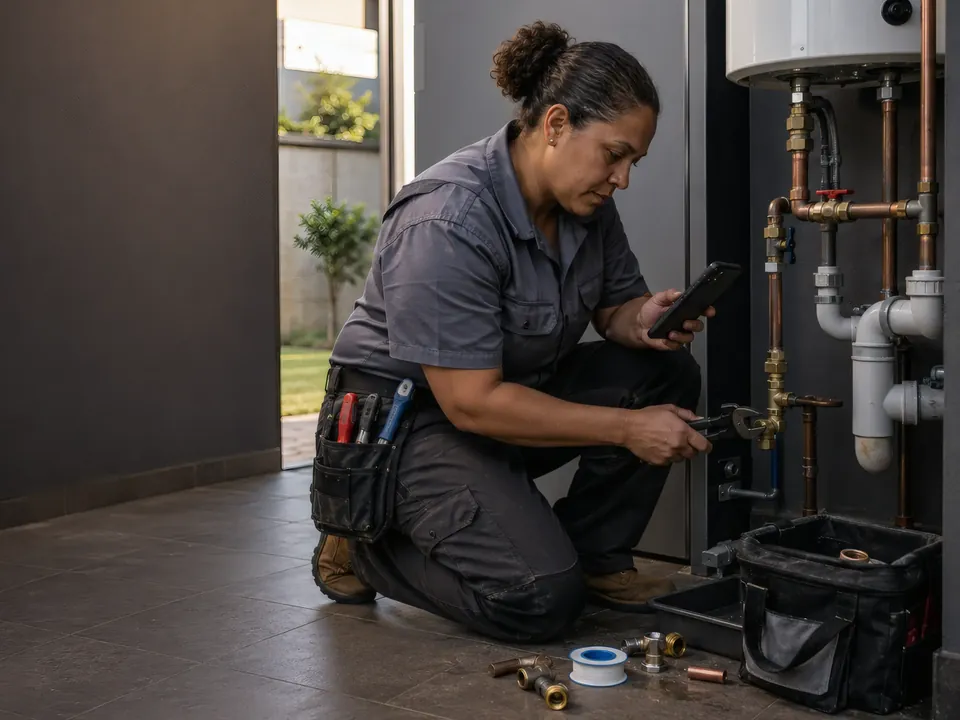
The repair happens once. The admin should too.
Record what was fitted, how long the job took and what the completed repair looked like — against the same job, while you're still on site.
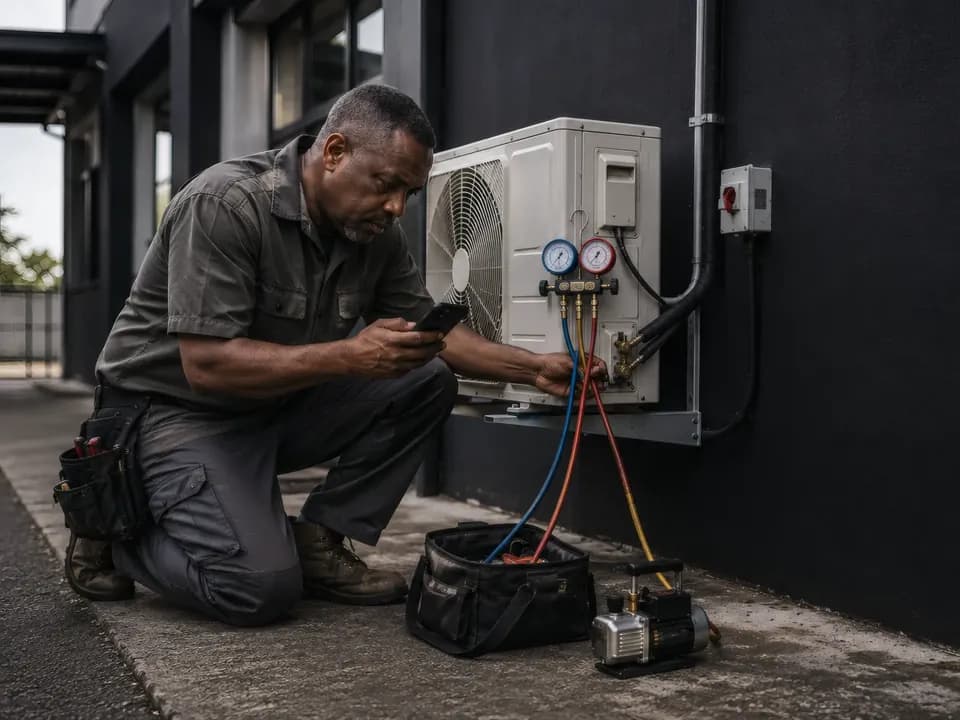
Keep the service work with the job.
Record labour, materials, photographs and notes as the service progresses. When the job is finished, the evidence is already attached.
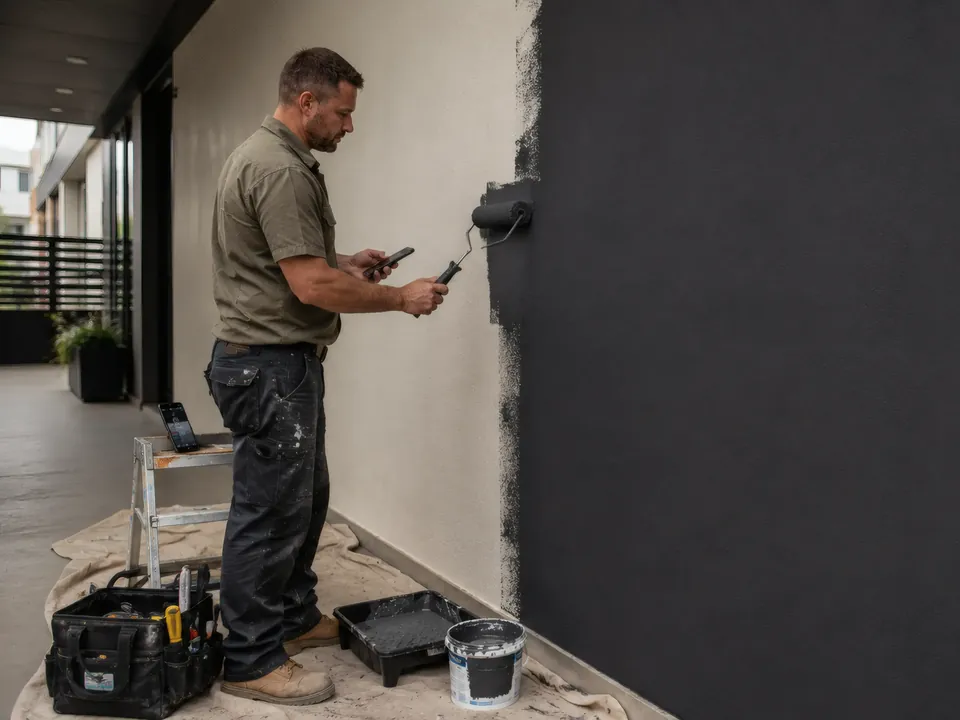
Built for the work your team actually does.
Painting today. A broken door tomorrow. A plumbing repair next week. One consistent way to capture the job, materials, proof and completion.

Proof of work
Inspection evidence, captured where it matters.
Photos, notes, attachments, service evidence and customer sign-off stay with the job instead of disappearing into paper files, phone galleries and message threads.
The evidence belongs to the job — not to somebody’s phone.

Service work
Keep the service work with the job.
Record labour, materials, photographs, attachments and notes as the service progresses.
When the job is finished, the evidence is already attached to the record.
Less remembering. Less chasing. Better job history.

Owner / Admin
The field work comes back ready to use.
Review completed jobs, check the captured evidence, manage stock and tools, and turn approved work into an invoice draft without starting the job record again from scratch.
Your technicians capture the work. FieldOps turns it into usable admin.
Everything the job needs. In one workflow.
Everything below runs on installed phones today. Nothing here is a roadmap.
Captured on site
Time & travel
Record the labour and travel against the job while it happens.
Materials & stock
Capture catalogue stock and once-off billable materials.
Signatures
Capture customer sign-off on the job before leaving site.
Evidence that stays with the job
Photos & files
Keep job photos, attachments and supporting documents with the work.
Voice notes
Speak the detail when typing would slow the technician down. FieldOps turns it into text.
Supplier slips
Capture supplier slips and review the extracted information instead of losing the paper.
What the office gets back
Jobs & sites
Clients, companies, sites and jobs stay connected from the start.
Tools & equipment
Track the tools the business owns, what a job requires and who has custody.
Owner review
Review completed work, prepare the invoice draft from captured job data, and share the tax invoice as a PDF.
The job doesn’t stop when the signal does.
Field service happens in plant rooms, roofs, basements, workshops, farms and customer sites where connectivity is not guaranteed.
FieldOps captures the work locally first and synchronises it when connectivity is available.
Capture locally
Keep working on the device.
Sync when available
Queued work moves when connectivity returns.
See the status
Sync failures are surfaced instead of hidden.
Built for hands, not keyboards.
FieldOps is designed around the person doing the work — not around an office form squeezed onto a phone.
+ / − quantities
Quick choices
Searchable materials
Voice capture
Photo evidence
One clear next action
Built for practical field‑service businesses.
Electricians, solar installers, plumbers, HVAC, fire and safety technicians, handymen and property-maintenance teams.
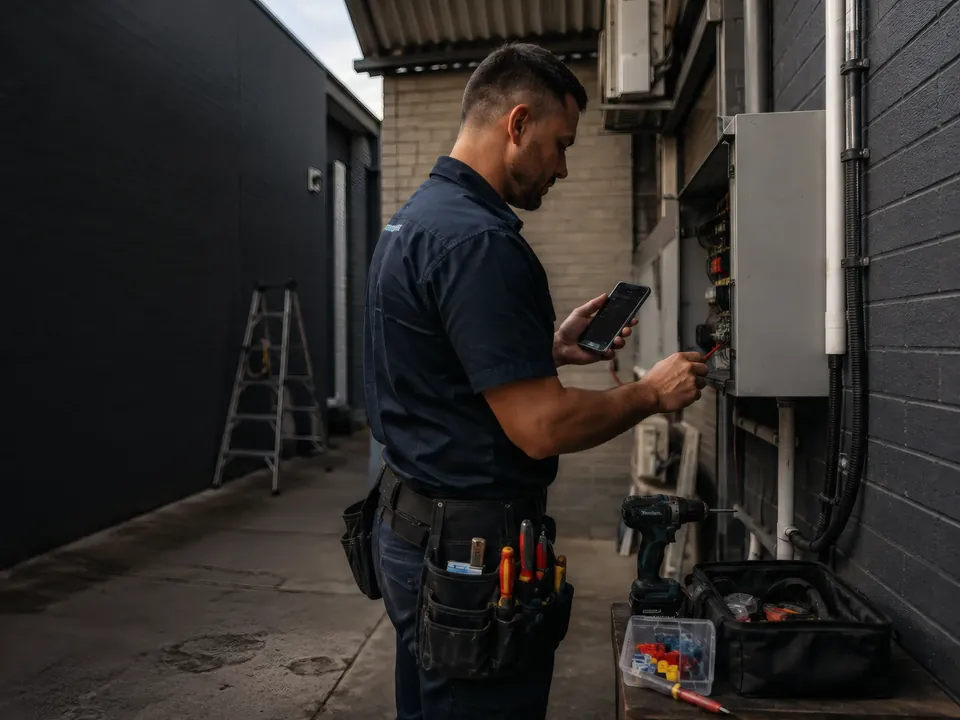
Electrical
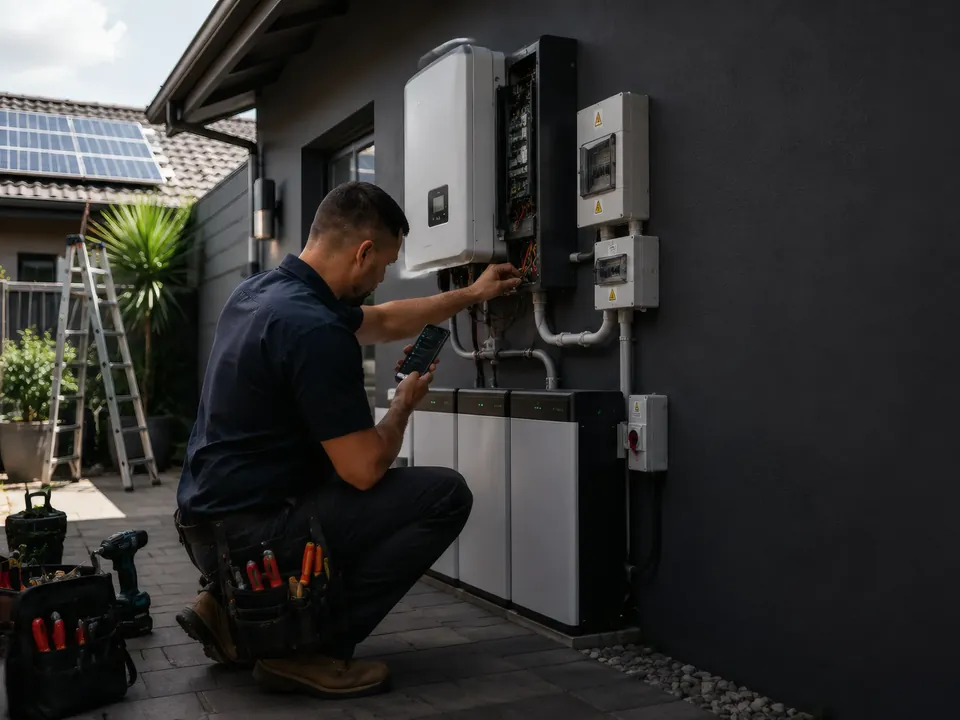
Solar
Plumbing
HVAC
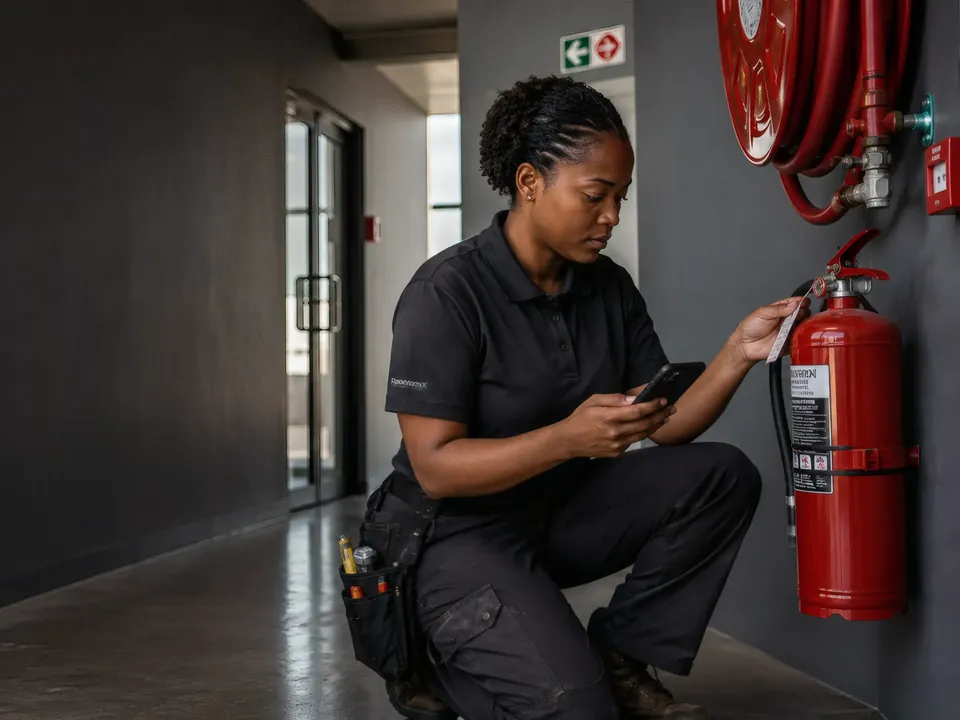
Fire & Safety
Property Maintenance
Focused on the job. Not enterprise bloat.
FieldOps is designed around practical field-service work.
It is not trying to replace your accounting system, become an enterprise dispatch control room or give every customer another portal to remember.
Not yet
So that nothing on this page outruns the app in your technician’s pocket:
- Sending WhatsApp messages or customer links for you — today you copy a ready-made message and send it yourself
- Quotes
- Posting supplier-slip lines to stock automatically
- An iPhone version
FieldOps pilot
Built with South African trade businesses, in the field.
FieldOps is running on real jobs for a South African trade business today, on Android phones RasWorx installs and updates for the team. It is not on the Play Store yet, and there is no iPhone version.
Tell us about your trade and your team. The conversation starts on the RasWorx contact page or on WhatsApp — whichever you already have open.
Built by RasWorx. Built from real operations.
FieldOps is a RasWorx Systems product.
RasWorx builds practical software around real business processes — not software for the sake of software.
FieldOps started with the gap between doing the job and getting that job properly captured, reviewed and invoiced.
Do the work once. Capture it once.
Give your technicians a practical way to capture the job while they’re doing it — and give the business a job record it can actually use.
What happens next
You reach RasWorx directly — the people who build FieldOps. We reply on a working day, Monday to Friday, and ask about your trade and your team.
Then we tell you honestly whether the app’s current capabilities fit the work you run. If it isn’t a fit yet, we say so.